Before the playdate
Glimmer World is a cozy online building and decorating game for kids about 5 to 10. It runs in a web browser on iPad, phones and computers. Each player needs their own device and an internet connection.
Each family needs its own Glimmer World Membership. A new family gets 7 days free, then it costs $5.99 a month, plus sales tax where it applies and renews monthly until canceled; cancel during the free days and nothing is charged. It includes up to 6 kids in that family. Memberships are available to families in the United States for now.
A grown-up starts Glimmer World (or signs in on the Family page), adds a child using a nickname, and sets up the child's device with a short code or Kids play on this device. Switch on Play with friends for that child. Kids never need to enter an email or password.
Agree on the time and the host with the other parent. Share the invitation directly with the family you know. Keep the game code out of public posts.
Make and join a picture code
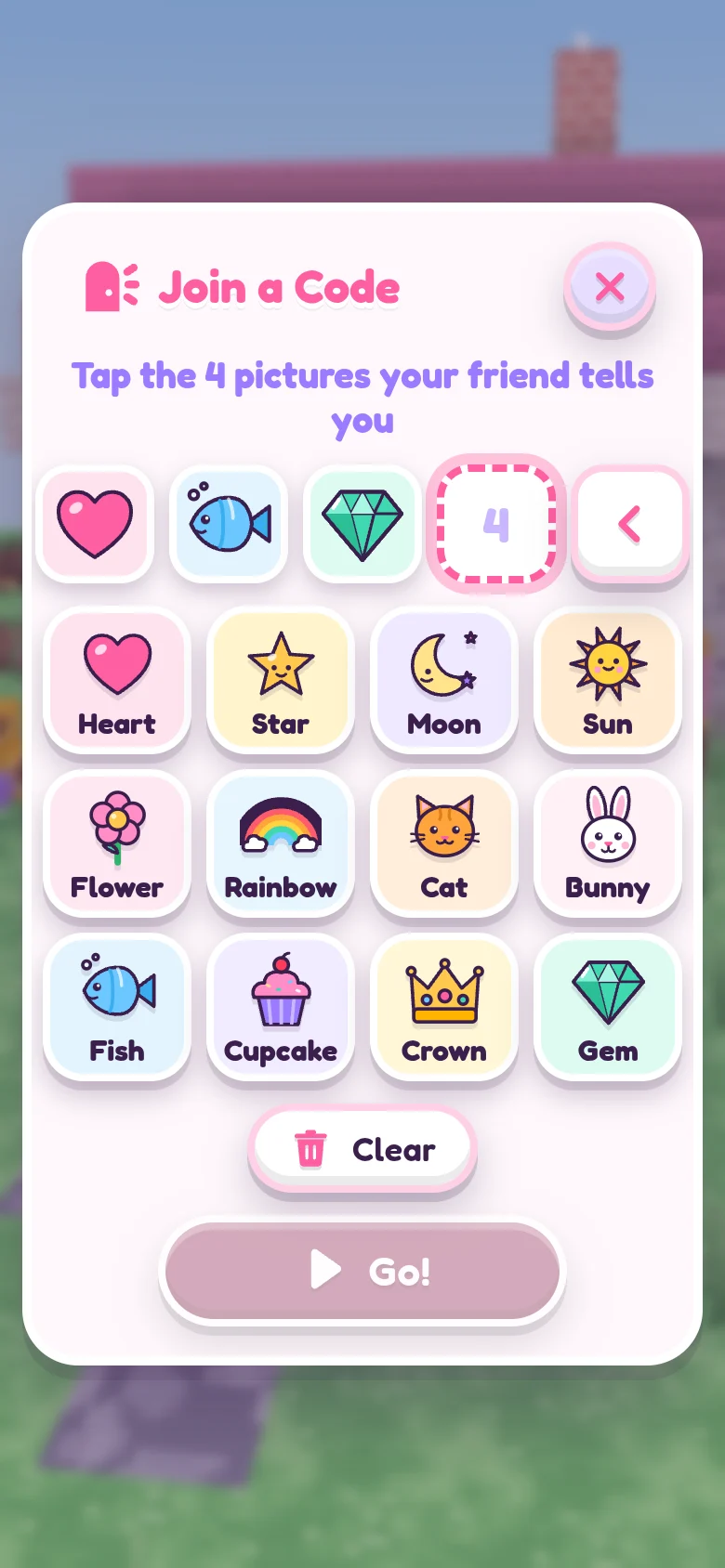
- The host makes a code. Open Glimmer World, tap Play now, Play with Friends, then Make a Code. Inside a world, use Menu and Play Together. Four pictures appear.
- Share those four pictures in order. For example, heart, star, moon, cat. The actual code comes from the host's game; the example here is not an invitation.
- The friend joins. On their own device, open this website and tap Play now, Play with Friends, Join a Code. Tap the same four pictures in the same order, then Go!.
- The host approves. A card says that a player wants to play. Check the nickname with the other family, then tap Let in!. Tap Not now for someone you do not recognize.
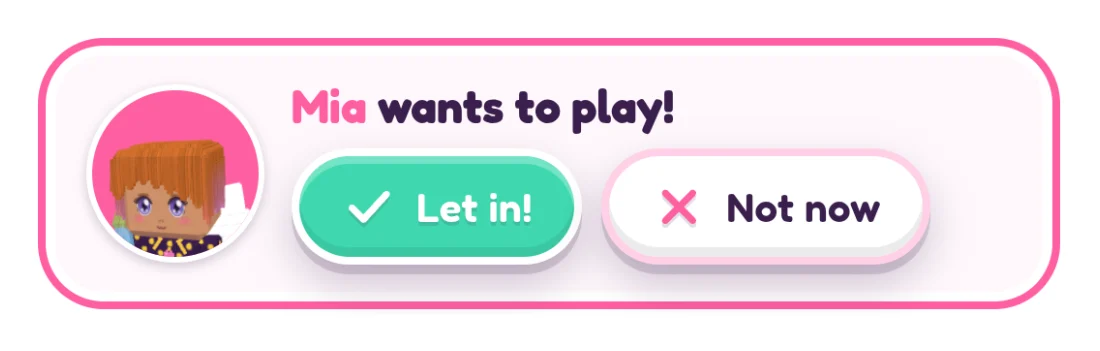
Up to 6 players can be in one world, each on their own device. If joining does not work, check the code's order, the host's active game and the child's Play with friends setting on each Family page.
Choose the playdate settings
Careful players starts on. Friends can change their own things and the natural ground, while the host's houses and furniture stay protected. Leave it on for a first visit. Turn off Players can build if you want a house tour instead.
There is no typed chat between players. They can tap 16 fixed friendly phrases and use emotes. The walkie-talkie starts off; a grown-up chooses whether to enable it. Voice is hold-to-talk, heard only by admitted friends who also have it on, and never recorded.
The host can Send home a player or Undo building for one friend. A copy of the host's world from before the visit is kept on the host's device as Before friends. Read the complete parent controls and privacy guide together before the first visit.
Try a friendship garden
Pick a small area beside a house. Each player makes a flower patch in their favorite color, then adds a path between the patches. Finish with a bench or a picnic spot and give each other a tour.
This also works with Careful players on: build your own part on the natural ground, then connect the paths. Agree on a stopping time with both parents before you start.
Another easy project is a house decorating session. One player can show their room while a friend uses the friendly phrases to react.